
Microsoft Lens – PDF Scanner
Screenshots
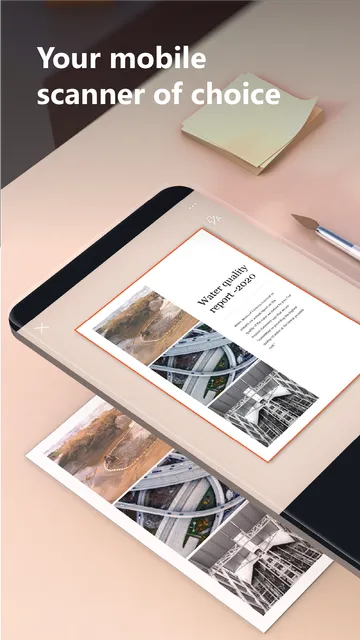
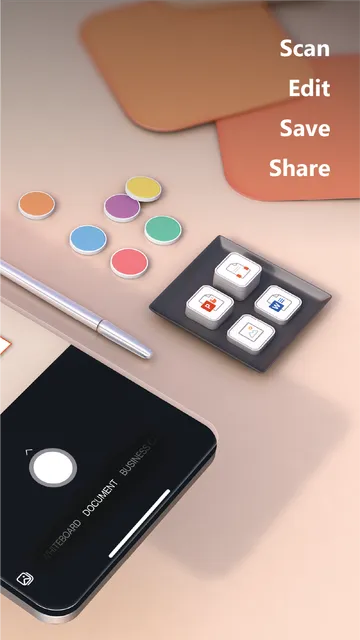
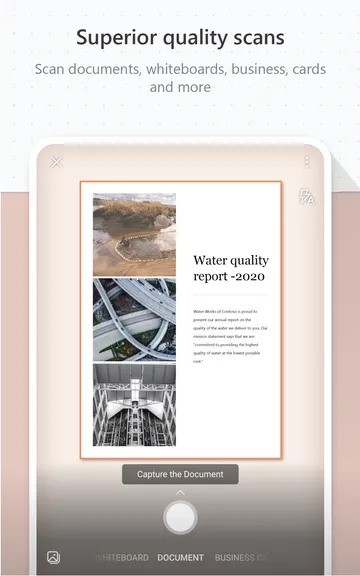
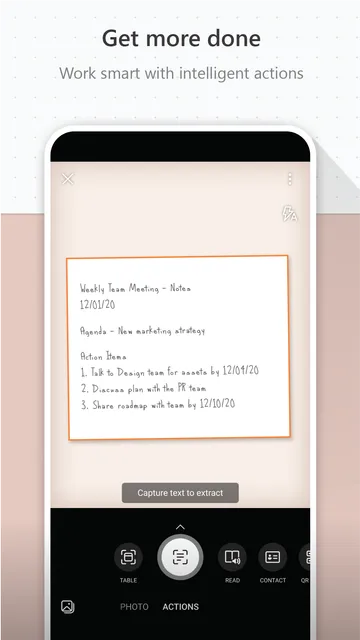
Microsoft Lens – PDF Scanner helps you digitize physical documents with your mobile camera. It transforms printed or handwritten text into clean digital formats. Then, you can save these files as PDFs, Word documents, or PowerPoint slides. It crops away messy backgrounds instantly. Also, it cleans up shadows to make the final text readable. You can capture whiteboards, business cards, receipts, and long forms effortlessly.
Many people rely on this tool to skip manual typing. Students scan classroom notes to keep them safe. Professionals scan business receipts to track their expenses. It acts as a bridge between paper records and cloud storage.
Why You Need Microsoft Lens – PDF Scanner for Clear Documents
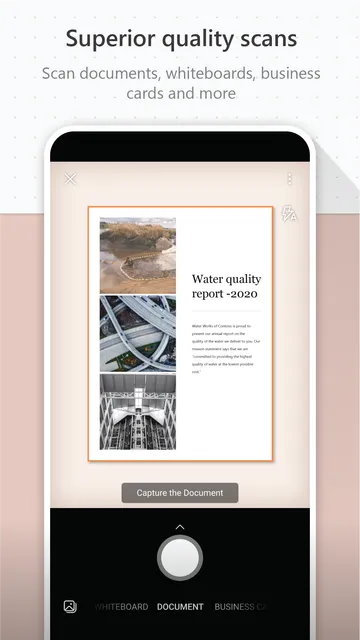
Getting a crisp image of a page can be very difficult. Regular phone cameras often leave dark shadows on the paper. Then, odd angles make the text look distorted and crooked. Microsoft Lens – PDF Scanner solves this issue by flattening the perspective automatically. It detects the edges of your document right away. Next, it trims out the table or desk underneath the paper.
The tool uses special filters to enhance text brightness. For example, the whiteboard mode removes glare from shiny plastic surfaces. It also makes ink strokes look bolder and sharper. Document mode optimizes small, printed fonts so you can read them without zooming. Therefore, your final files look like they came from a flatbed office scanner. You can even combine multiple pages into a single PDF document.
How Microsoft Lens – PDF Scanner Enhances Your Daily Productivity
Manual note-taking takes up too much valuable time during busy meetings. Microsoft Lens – PDF Scanner speeds up your workflow by capturing information instantly. You can photograph a flipchart and convert it into a usable file. Then, you can share that file with your team via email. It eliminates the need to rewrite notes from scratch.
The software also processes business cards very efficiently. It extracts contact information like names, phone numbers, and email addresses. Next, it saves that data directly into your local device contacts. This feature saves you from losing important professional connections. Receipts can also be cataloged immediately to prevent tax season headaches.
Convert Paper to Text with Microsoft Lens – PDF Scanner Features
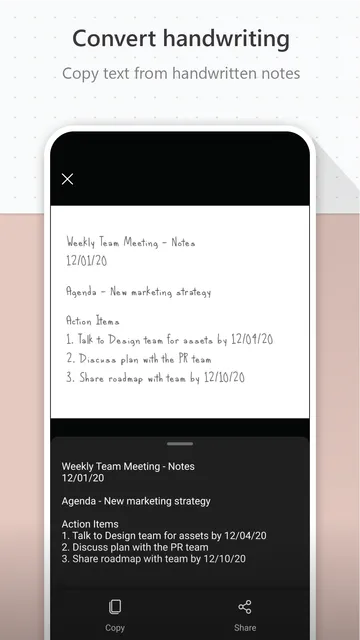
This tool does not just save static images of your paperwork. Microsoft Lens – PDF Scanner includes optical character recognition to read text inside your images. This technology turns a photo of a document into a fully searchable file. Then, you can copy specific paragraphs and paste them into other files. It recognizes both printed text and clear handwriting with great accuracy.
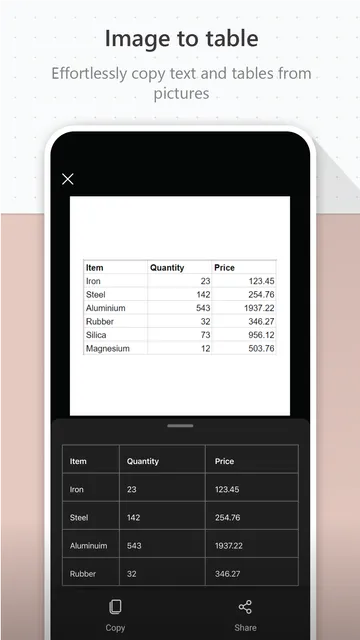
You can convert your paper sheets into Microsoft Word files. The tool recreates the original layout of the page as closely as possible. It places images and paragraphs where they belong. Furthermore, you can extract a printed table from a report. The software converts it into an editable sheet so you can modify data quickly.
Organize Files Better Using Microsoft Lens – PDF Scanner Storage Options
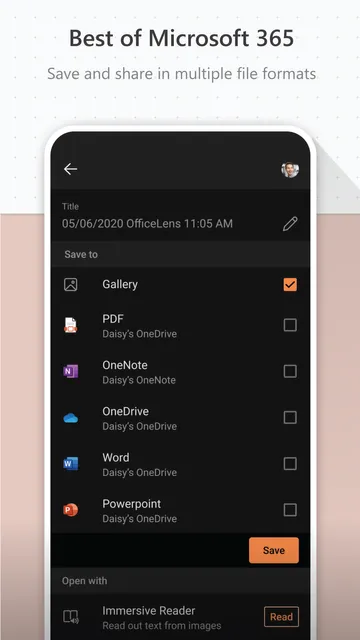
Keeping track of paper sheets often leads to cluttered desks. Microsoft Lens – PDF Scanner helps you organize your files by moving them online. You can upload your fresh scans directly to cloud storage solutions. For instance, saving files to OneDrive ensures you can access them anywhere. You can also send scans straight to OneNote to build a digital notebook.
Local storage is also an option if you prefer offline security. You can name your files clearly before you save them to your storage folders. This makes finding specific documents later much faster. Digital files do not decay, tear, or get lost in old folders. Consequently, your archival system becomes safer and much more organized over time.
Accessibility Features in the app for All Users
Technology should be easy for everyone to use regardless of their physical abilities. Microsoft Lens – PDF Scanner includes a built-in Immersive Reader tool to assist users. This tool can read out loud any text captured from an image. It helps individuals with visual impairments or reading difficulties process documents smoothly. Then, you can adjust the text size or spacing on your screen.
The reader also lets you change the background color to reduce eye strain. It isolates words to help readers focus on one line at a time. This feature is highly beneficial for language learners who want to hear correct pronunciations. Anyone can listen to a printed article while multitasking or relaxing.
Conclusion
Microsoft Lens – PDF Scanner delivers excellent document scanning capabilities straight to your mobile device. It turns your smartphone camera into a helpful tool for document management. The automated cropping, perspective correction, and text enhancement ensure your files always look clean. It saves time by converting images into editable text formats like Word and Excel. It also supports cloud integration to keep your files secure and accessible. Whether you are managing receipts, studying for exams, or archiving business records, this tool simplifies your daily tasks. It removes the stress of dealing with paper and keeps your life organized.