
Microsoft Lens - PDF Scanner Free 66.91 MB 16.0.19628.20008
You can now download the App For Free.
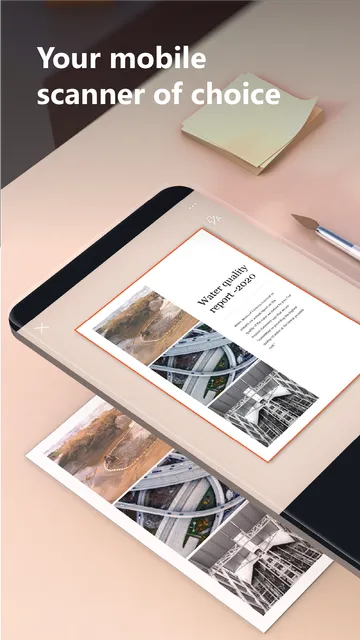
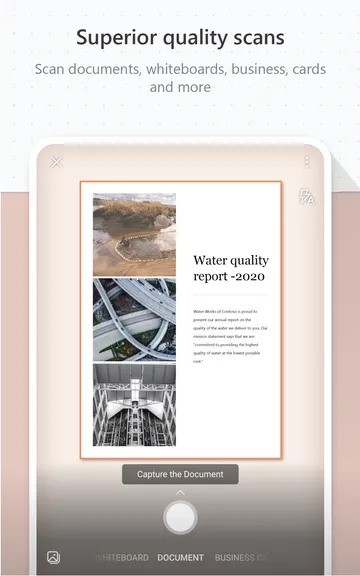
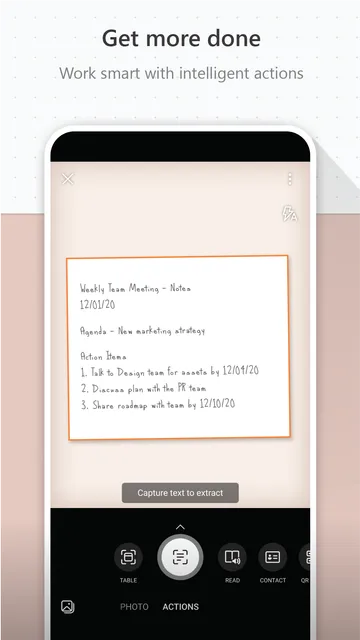
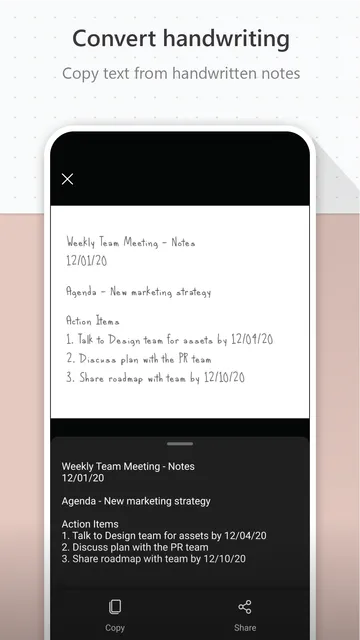
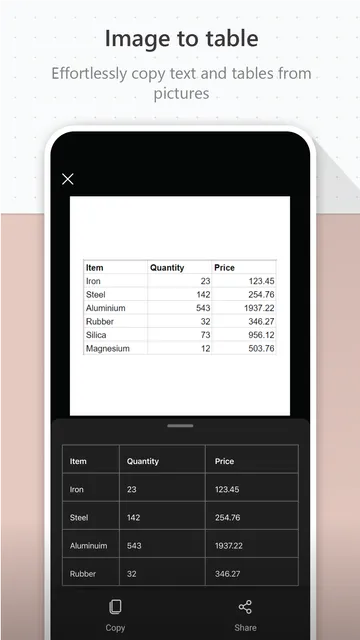
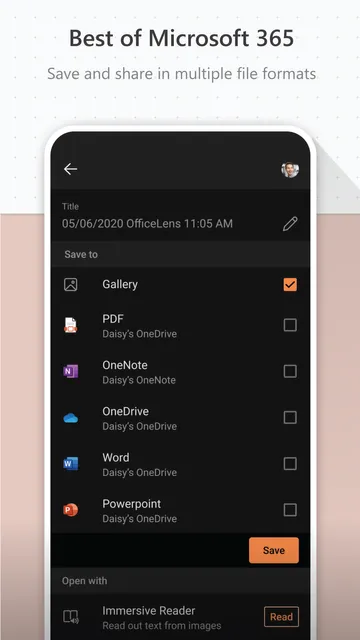
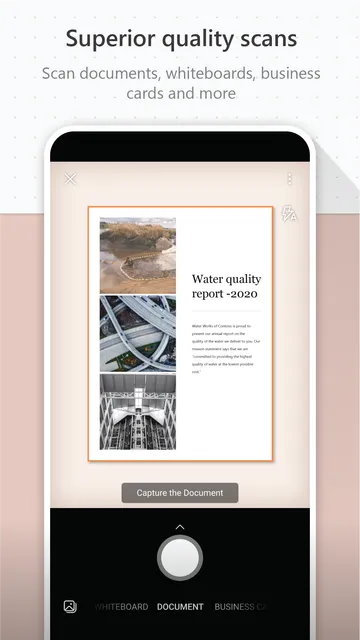
Microsoft Lens – PDF Scanner helps you digitize physical documents with your mobile camera. It transforms printed or handwritten text into clean digital formats. Then, you can save these files as PDFs, Word documents, or PowerPoint slides. It crops away messy backgrounds instantly. Also, it cleans up shadows to... Read more
Screenshots
How To Install APK Files On Android Devices
APK stands for Android Package Kit, and it’s basically a way to install apps on your phone without using the Play Store.
Enabling Unknown Sources:
- Open Settings on your Android device.
- Tap on “Security” or “Apps & notifications” (depending on your Android version).
- Find the setting called “Unknown sources” and toggle it on.
- You might see a warning message – that’s okay, just tap “OK” to confirm.
Installing the APK:
- Download your APK file from a trusted source.
- Open your device’s file manager app (like “Files” or “Downloads”).
- Tap on the downloaded APK file.
- You’ll see a prompt asking you to confirm the installation. Tap “Install”.
- The app will start installing. It might take a few minutes depending on the size of the app.
- Once it’s done, tap “Open” to launch the new app!
With these steps, you can easily install APK files on your Android device.